
Delete old Xcode simulators, iOS device support and Android emulators
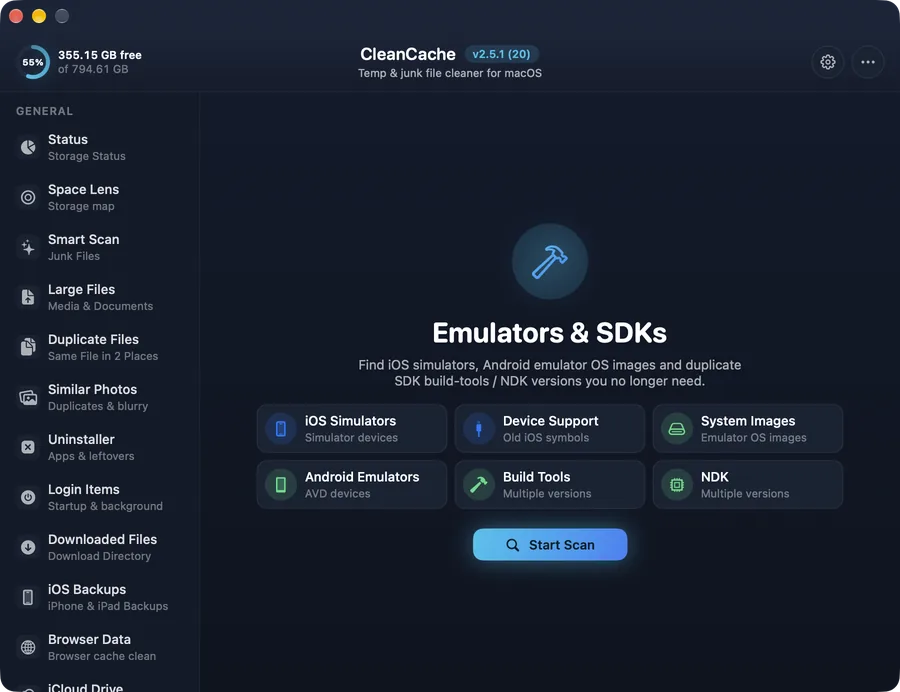
Free gigabytes from Xcode: unused iOS simulators, old device support, simulator runtimes, Android emulator images, build-tools and NDKs.
How it works
Xcode and Android Studio download a lot and remove very little. Each iOS version you've connected leaves a Device Support folder, every simulator runtime is several gigabytes, and the Android SDK keeps old NDKs side by side.
CleanCache lists them by category with sizes and can select only the older versions, so the toolchain you use today keeps working.
Safe by design
Newest versions are never selected by “Select older”. Removed tools can be downloaded again from Xcode or Android Studio.
Common questions
Is it safe to delete iOS Device Support files?
Yes. Xcode recreates them the next time you connect a device running that iOS version.
How do I delete old Xcode simulators?
Open Emulators & SDKs, scan, then select the simulators or runtimes you no longer use and remove them.