
Duplicate file finder for Mac — remove identical copies safely
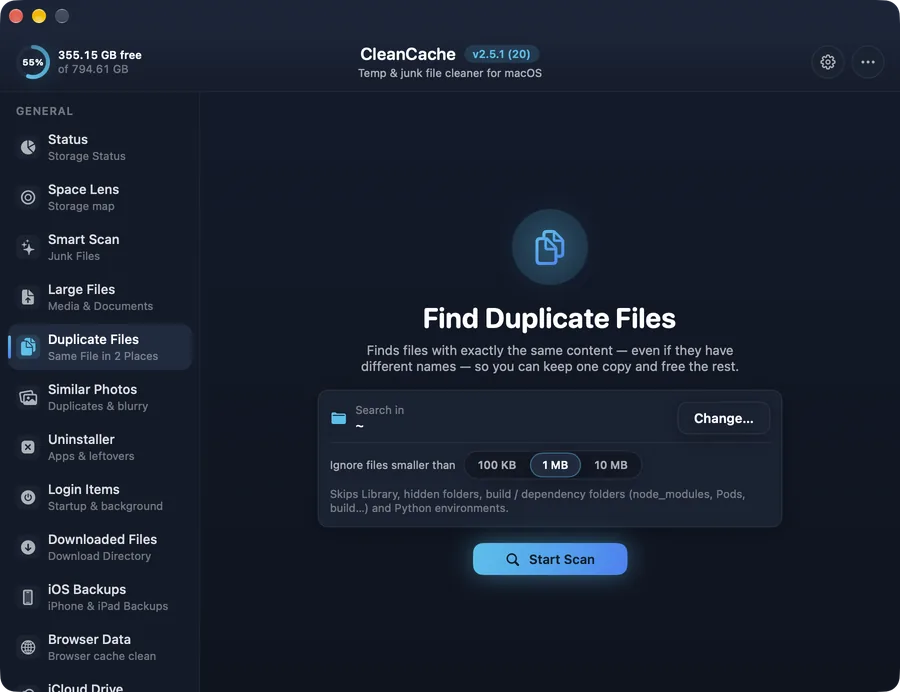
Find files with exactly the same content anywhere in a folder, keep one copy and move the rest to the Trash.
How it works
Copies pile up when you download the same file twice, export photos again or keep backups of backups. CleanCache compares file contents, so it only reports true duplicates.
Each group shows every copy and where it lives. Pick the extras and move them to the Trash — CleanCache never lets you remove the last copy.
Safe by design
Duplicates are moved to the Trash, and at least one copy of every file is always kept.
Common questions
Will it delete files with the same name but different content?
No. Files are matched by their content, so two different files with the same name are never treated as duplicates.