
Space Lens — see what's taking up space on your Mac
An interactive storage map of your Mac. Click through folders to find what fills your disk and move the big things to the Trash.
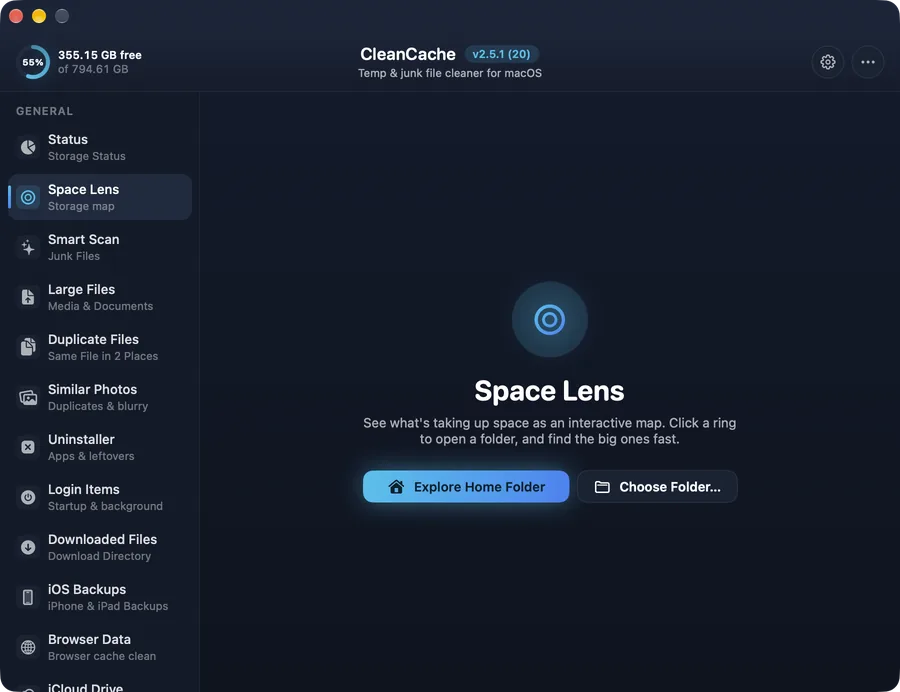
How it works
“Your disk is almost full” rarely tells you why. Space Lens measures every folder and draws it as an interactive map, so the biggest space hogs are obvious at a glance.
Click into a folder to go deeper, then move what you don't need to the Trash. Protected system locations can't be removed from here.
Safe by design
Items go to the Trash, so you can put them back. System folders, your home folder and Library can't be removed.
Common questions
Why is “System Data” so big on my Mac?
It's a mix of caches, logs, backups, simulators and app support files. Space Lens, Smart Scan and the developer tools in CleanCache show what's inside and let you clean the parts you don't need.