
Clear browser cache on Mac — Safari, Chrome, Brave, Firefox, Edge
Clear cache, cookies and history from Safari, Chrome, Brave, Firefox, Edge, Opera and Arc in one place, per browser and per profile.
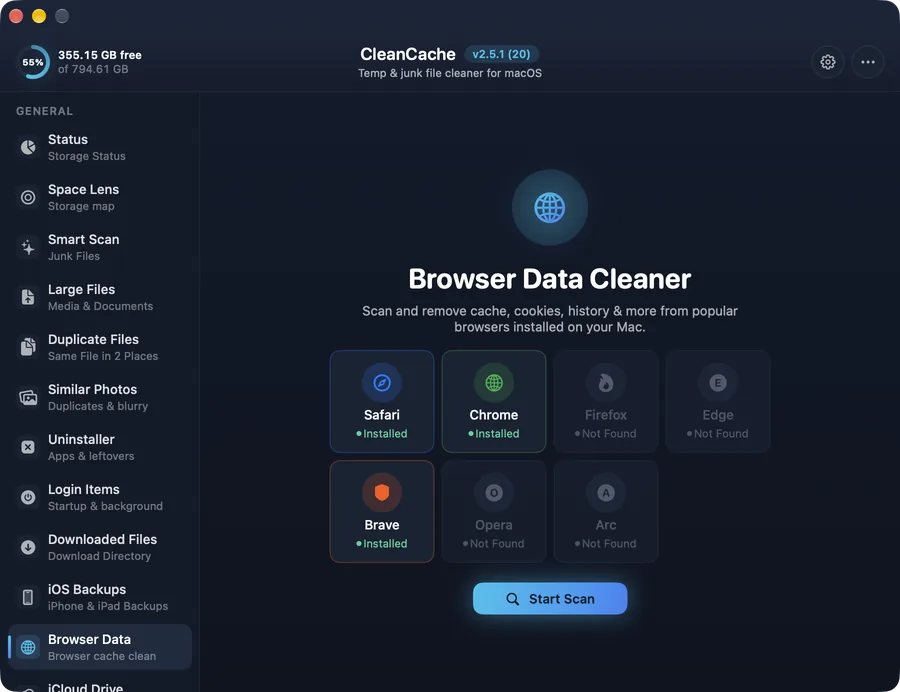
How it works
Browser caches easily reach several gigabytes. CleanCache shows each installed browser, splits its data into cache, cookies, history and storage, and lets you clear exactly what you want.
Safe by design
Asks before deleting. Quit the browser first, and remember that clearing cookies signs you out of websites.
Common questions
Is it safe to clear Chrome's cache?
Yes. Pages may load a bit slower the first time. Clearing cookies is different: it signs you out of sites.