Skip to content
CleanCacheDownload

New design · version 2.6 for macOS

Free up space on your Mac —
safely

CleanCache finds system junk, large and forgotten files, duplicates and app leftovers — and, for developers, Xcode simulators, node_modules and package caches. You see everything before it’s removed.

macOS 14.6 or later · Apple silicon & Intel

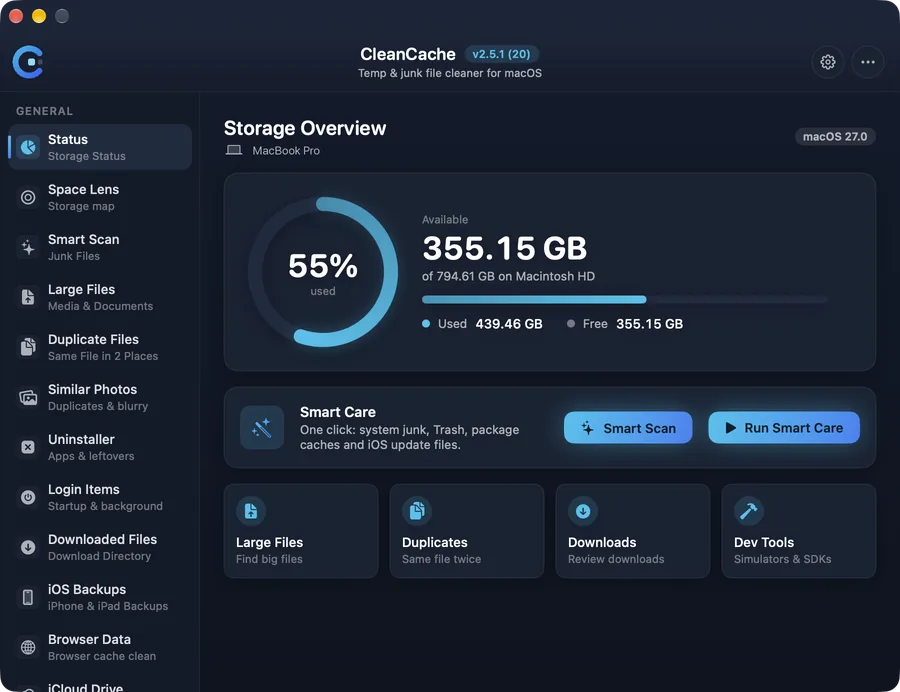
CleanCache storage overview showing free space, Smart Care and quick tools

Features

Everything that fills up your Mac, in one place

Each tool shows what it found and how big it is. You choose what goes.

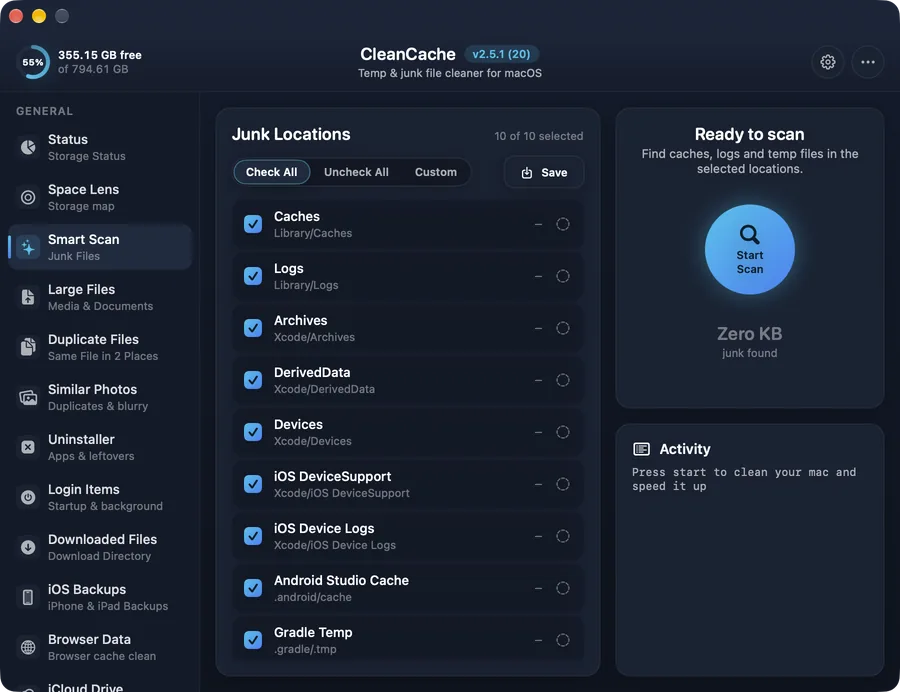
Smart Scan

One scan finds caches, logs and temporary files that apps leave behind.

  • Scans Caches, Logs, Archives, DerivedData, device logs and more
  • Pick locations with checkboxes — your choice is remembered
  • Shows the size of every location before you clean
  • Live activity log while it scans and cleans
More about Smart Scan
Smart Scan in CleanCache — One scan finds caches, logs and temporary files that apps leave behind.

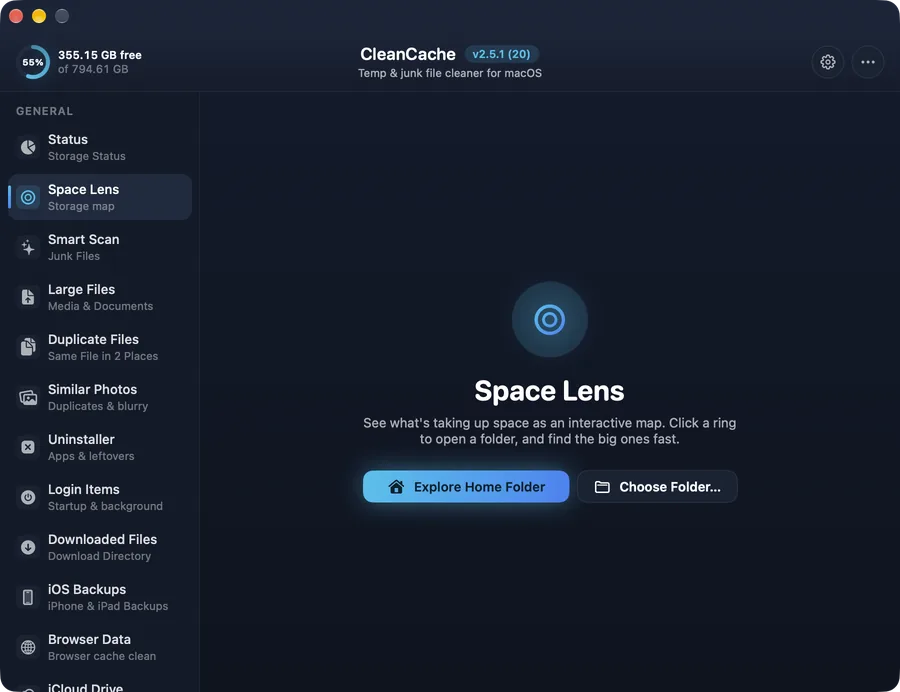
Space Lens

An interactive map of your disk — click a ring to dive into any folder.

  • Explore your home folder or any folder you choose
  • Folders sized and sorted from largest to smallest
  • Move items to the Trash right from the map
  • Sizes above update instantly after you remove something
More about Space Lens
Space Lens in CleanCache — An interactive map of your disk — click a ring to dive into any folder.

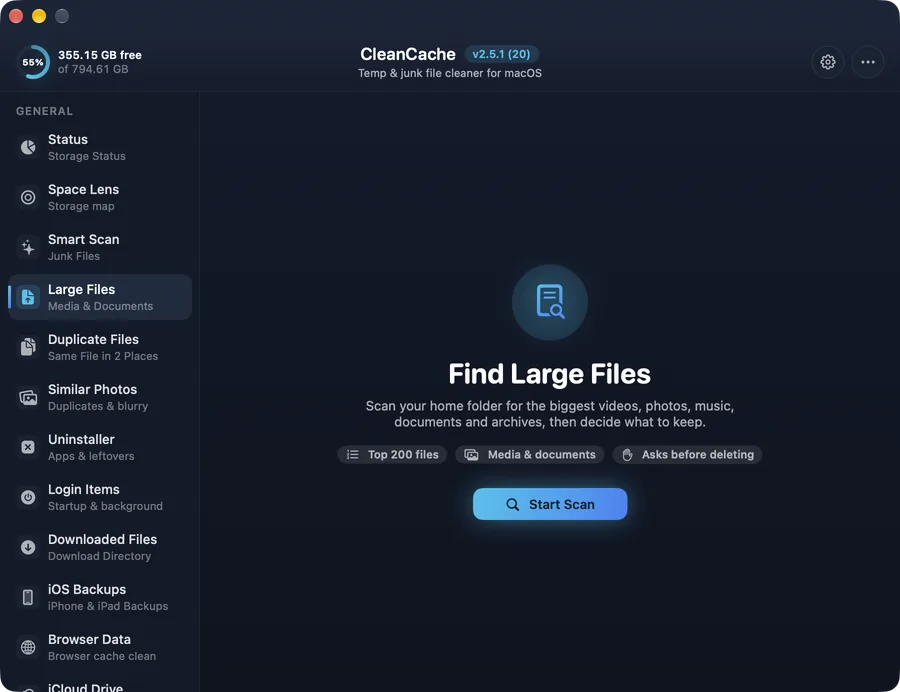
Large & Old Files

The 200 biggest files in your home folder, with filters and “not used in” dates.

  • Filter by videos, images, documents, archives and more
  • “Not used in” 3, 6 or 12 months — files you forgot about
  • Sort by size or age; last-used date on every row
  • Asks before deleting anything
More about Large & Old Files
Large & Old Files in CleanCache — The 200 biggest files in your home folder, with filters and “not used in” dates.

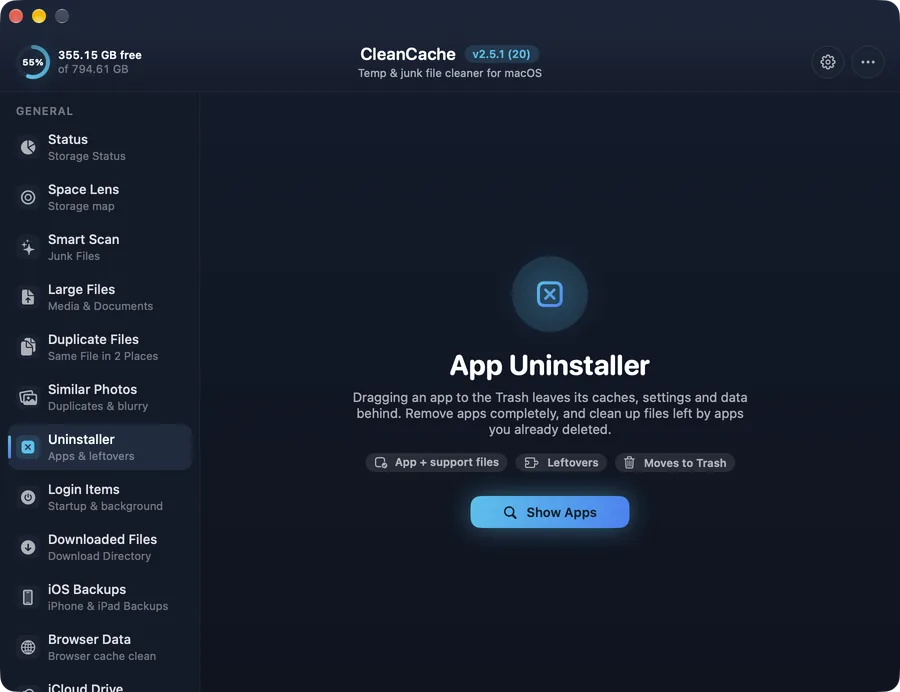
App Uninstaller

Removes an app together with its caches, preferences and support files.

  • Finds an app's caches, preferences, containers and logs
  • Leftovers from apps you already deleted
  • Uncertain matches are shown but not pre-selected
  • Everything goes to the Trash
More about App Uninstaller
App Uninstaller in CleanCache — Removes an app together with its caches, preferences and support files.

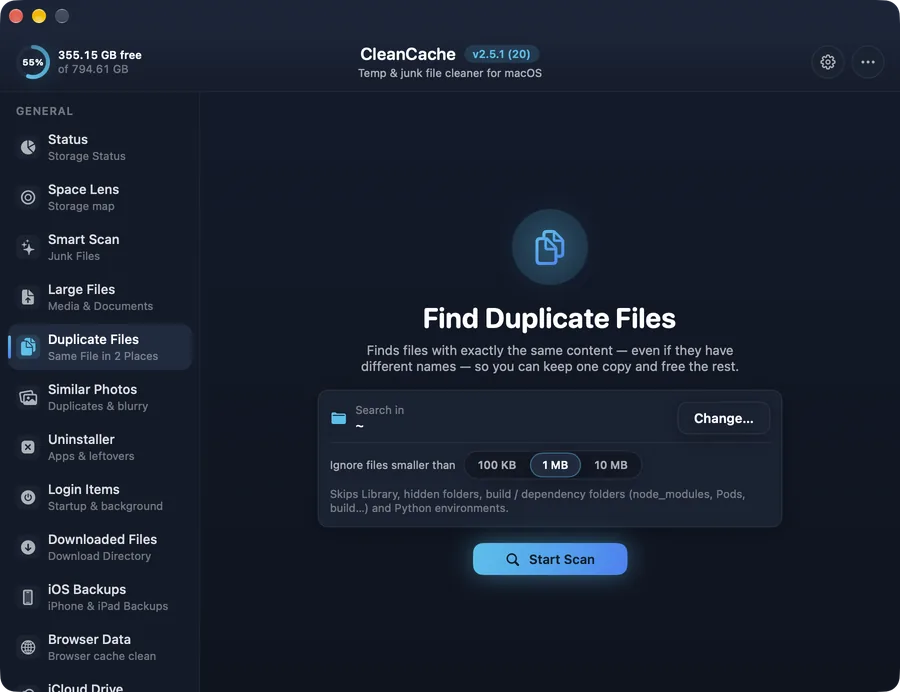
Duplicate Finder

Finds byte-for-byte identical files — even with different names.

  • Matches by content, not by name
  • Choose any folder and a minimum file size
  • Always keeps at least one copy of each file
  • Skips Library, hidden folders and project dependencies
More about Duplicate Finder
Duplicate Finder in CleanCache — Finds byte-for-byte identical files — even with different names.

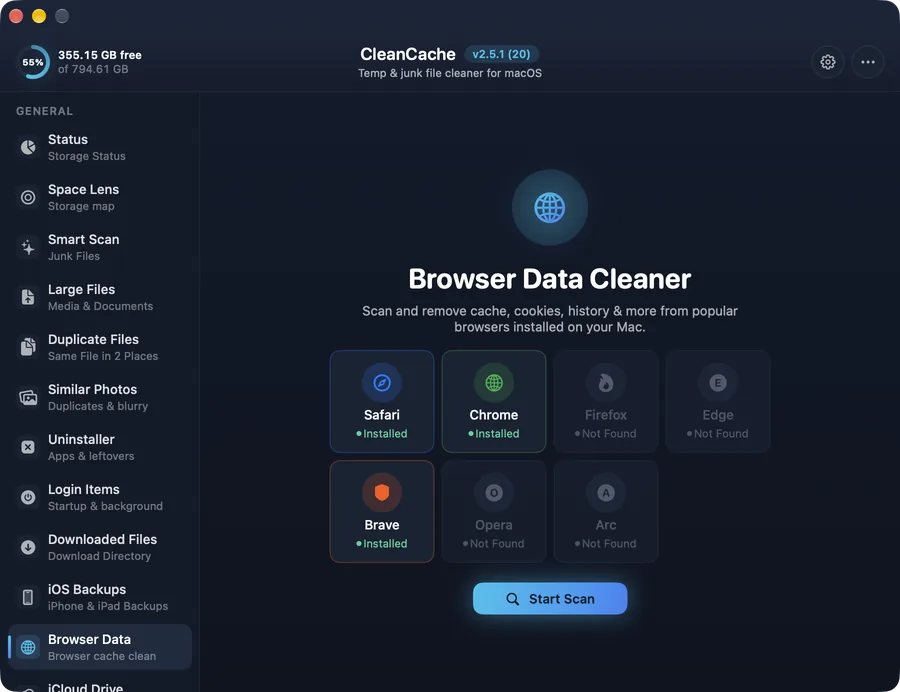
Browser Data

Cache, cookies and history for every browser you have installed.

  • Safari, Chrome, Brave, Firefox, Edge, Opera and Arc
  • Every Chrome-style profile listed separately
  • Choose cache only, or cookies and history too
  • Clear “No access” message when macOS needs permission
More about Browser Data
Browser Data in CleanCache — Cache, cookies and history for every browser you have installed.

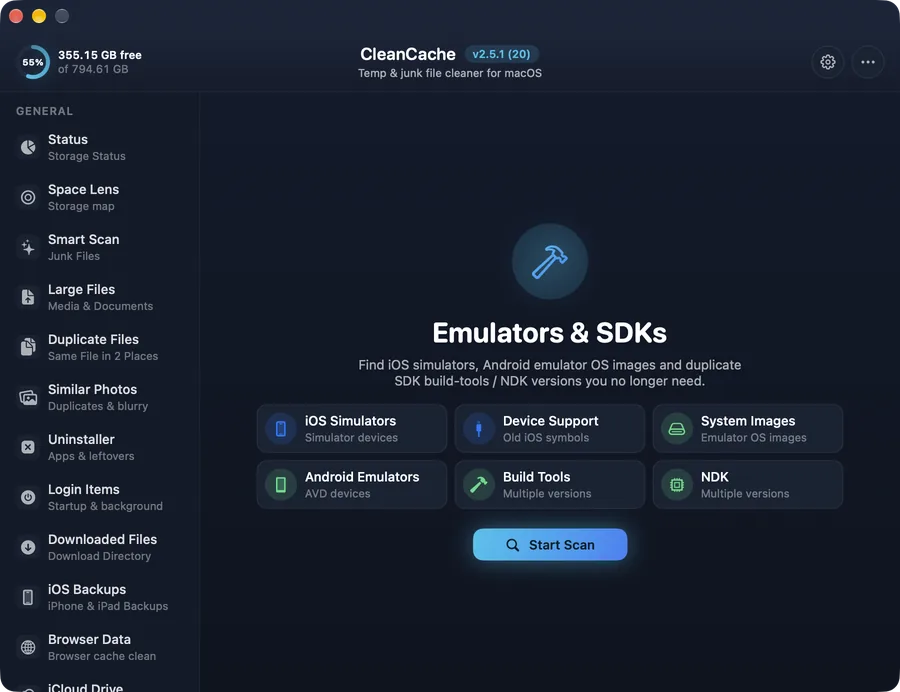
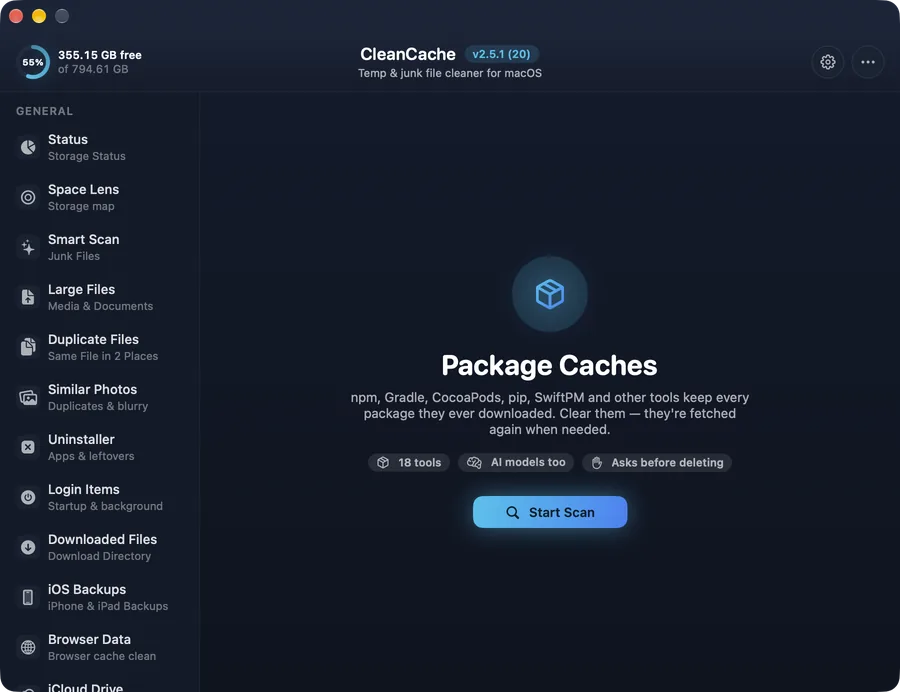
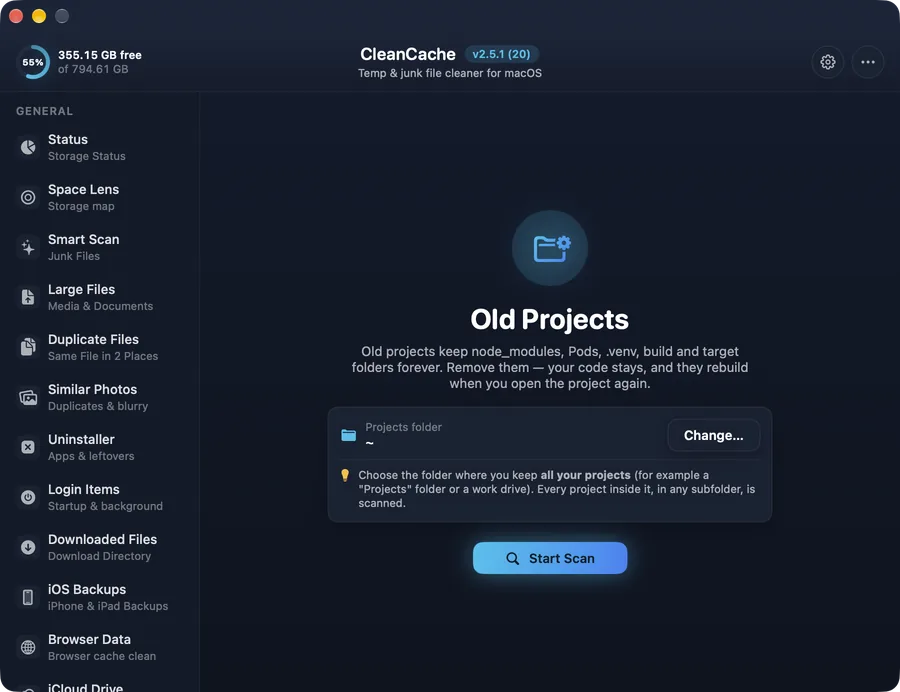
For developers

Get back the gigabytes your tools keep

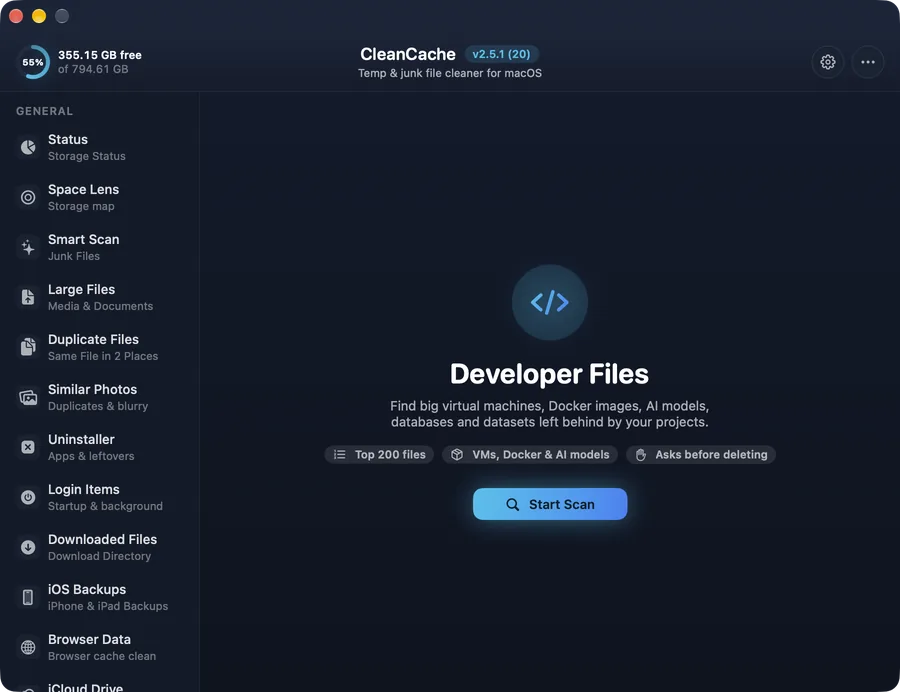
Xcode, Android Studio, package managers and old projects quietly use tens of gigabytes. CleanCache has a separate Developer section, so everyday users never see these tools by accident.

And more

Small tools for the rest of the clutter

Privacy & safety

Your files stay on your Mac

CleanCache runs in Apple’s app sandbox and only reaches folders you allow. Scans happen on your Mac. Anonymous usage counts help improve the app — never file names or paths — and you can switch them off in Settings.

Read the privacy policy →
  • See before you delete

    Every tool lists what it found and its size.

  • Trash first

    Documents, apps, backups and duplicates go to the Trash.

  • Protected locations

    System folders and the newest backups are never pre-selected.

  • Separate developer tools

    Developer caches live in their own section.

Looking for a CleanMyMac alternative?

See how CleanCache compares — and when another tool might suit you better.

Compare CleanCache

Questions

Is CleanCache safe to use?

Yes. CleanCache is sandboxed and distributed through the Mac App Store. It shows you what it found and asks before removing anything, and most tools move items to the Trash so you can put them back.

Is CleanCache a good CleanMyMac alternative?

If you mainly want to free up disk space — junk, large and duplicate files, app leftovers, browser data — CleanCache covers that, and it goes further for developers with Xcode, simulators, node_modules and package caches.

Does CleanCache collect my files or personal data?

No. Scanning happens on your Mac. CleanCache only sends anonymous usage counts (which tools are used and how much space is cleaned), never file names or paths, and you can turn that off in Settings.

Why does CleanCache ask for access to my home folder?

Mac App Store apps are sandboxed. To scan your caches and files, macOS asks you to grant access once. Some locations (Mail, Safari, iPhone backups) also need Full Disk Access.

Which Macs are supported?

Macs with Apple silicon and Intel running macOS 14.6 or later.

How much space can I free up?

It depends on your Mac. Typical everyday Macs free several gigabytes; developer Macs with Xcode, simulators and old projects often free tens of gigabytes.

CleanCache app icon

Make room on your Mac today

Download CleanCache from the Mac App Store.