
Delete old iPhone and iPad backups on Mac
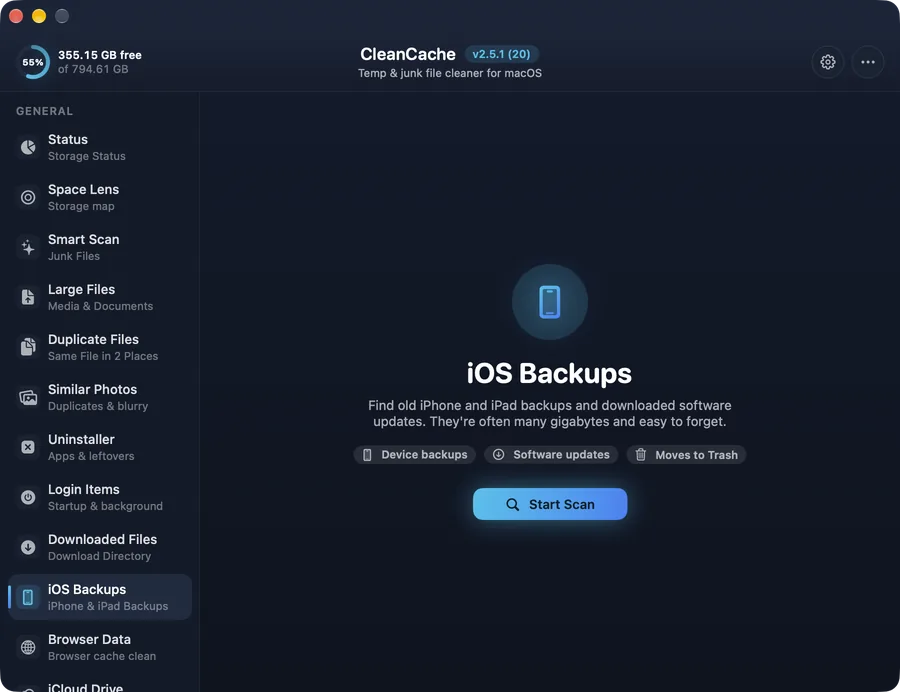
Find old iPhone and iPad backups and downloaded iOS software updates. Often 10–50 GB each, and easy to forget.
How it works
Every time you back up an iPhone or iPad to your Mac, a copy is kept — and old ones are rarely deleted. CleanCache lists them per device so you can remove the old ones and keep the latest.
Safe by design
Backups go to the Trash, and the latest backup of every device is never selected automatically.
Common questions
Where are iPhone backups stored on a Mac?
In ~/Library/Application Support/MobileSync/Backup. macOS needs Full Disk Access for apps to read it; CleanCache tells you how to allow it.