
Find large and old files on Mac — and delete what you don't need
Find the biggest videos, disk images, archives and documents on your Mac, and files you haven't opened in months.
How it works
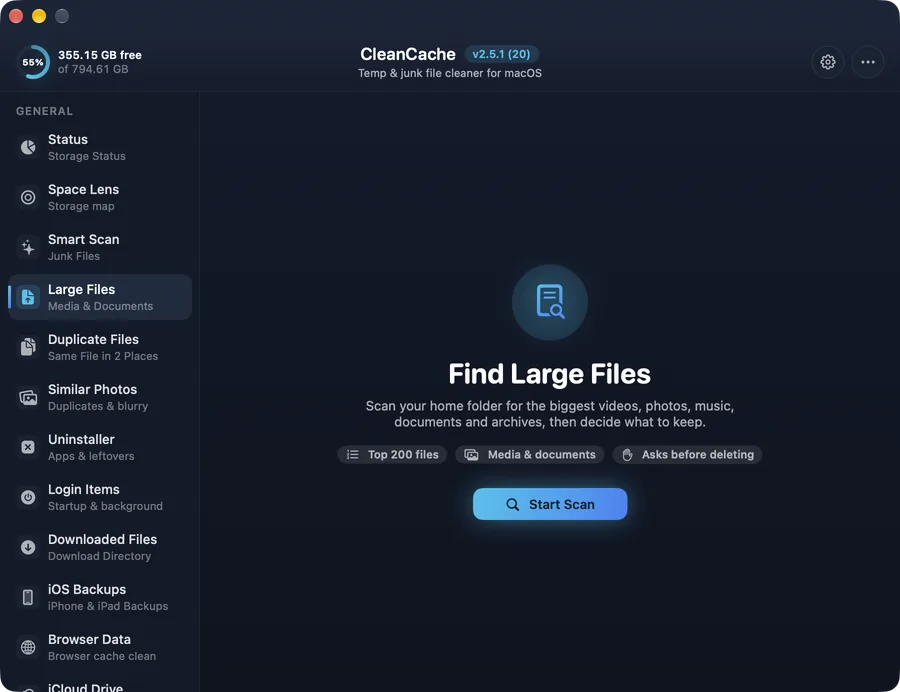
A handful of forgotten files usually take most of the space: old screen recordings, downloaded disk images, exported videos. Large Files lists the biggest ones and shows when you last used each.
Filter by type or by how long a file has been untouched, check what you want gone and remove it in one step.
Safe by design
Nothing is deleted without your confirmation. Files are only listed from your home folder.
Common questions
How do I find large files on a Mac?
Open Large Files in CleanCache and press Start Scan. It lists the largest files in your home folder, sorted by size, with filters for type and age.